
Character Swing Rigging
-
Compatibility After Effects Please check exact version compatibility under the "COMPATIBILITY" tab below
 Adding to cart...
Character Swing Rigging + Wave-o-Matic + Multi Parent Rigging
Discount is automatically added in the shopping cart. Volume licenses do not qualify.
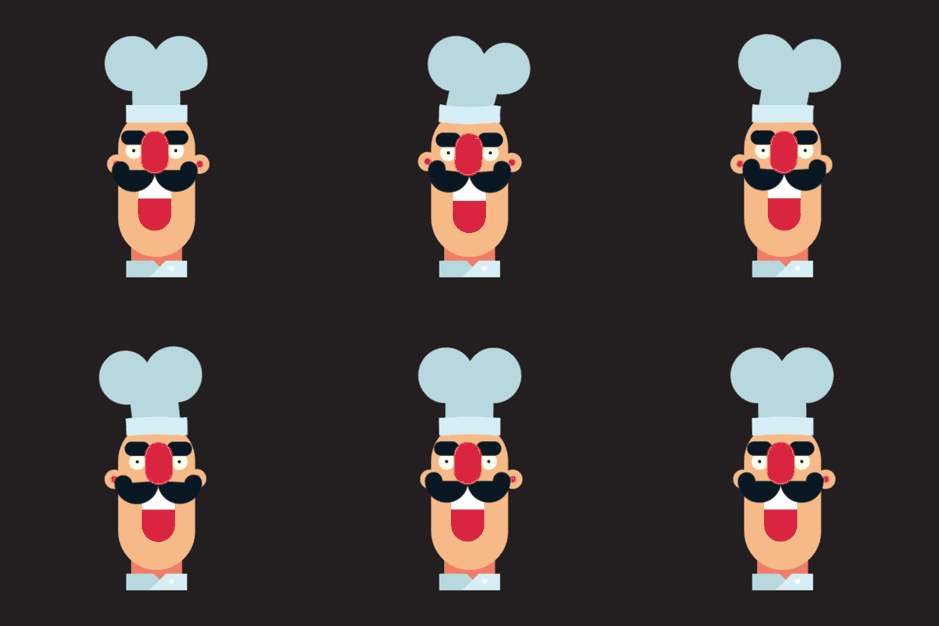
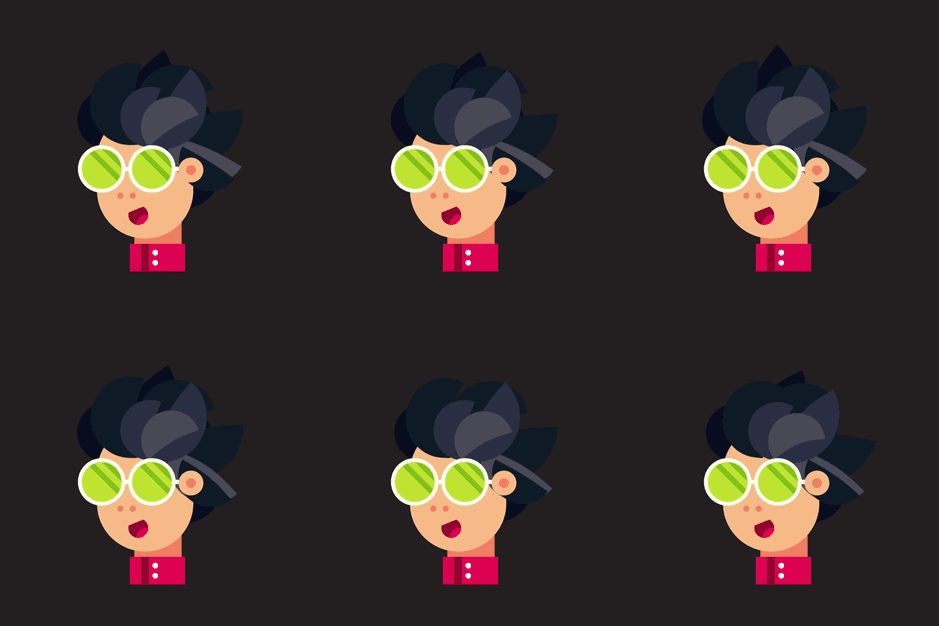
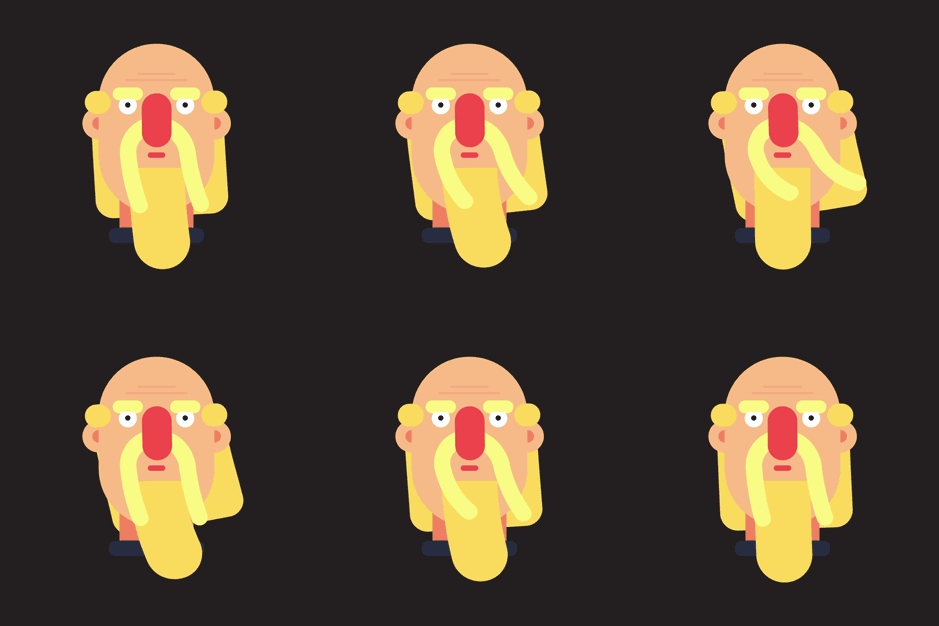
What is Character Swing Rigging?
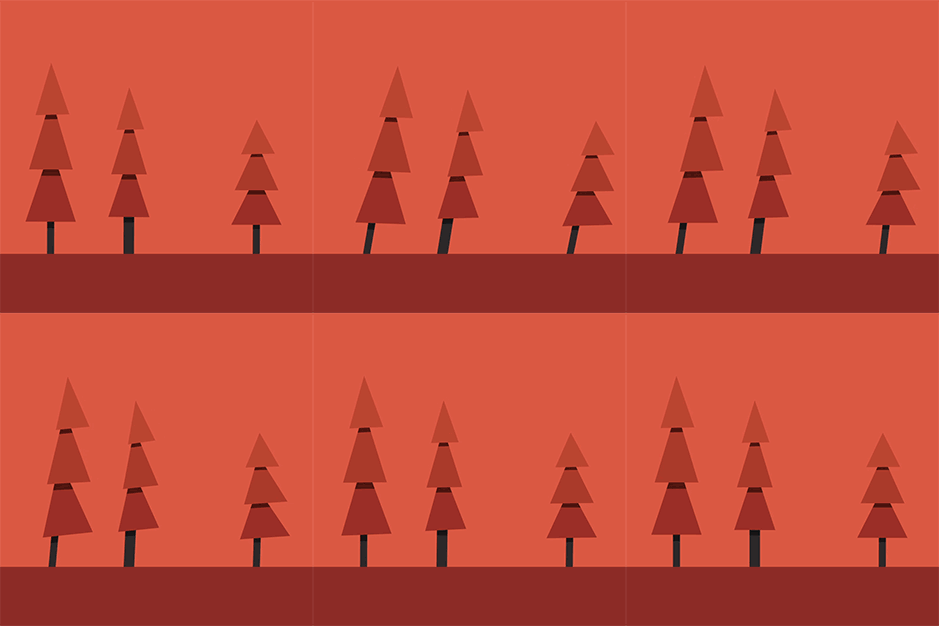
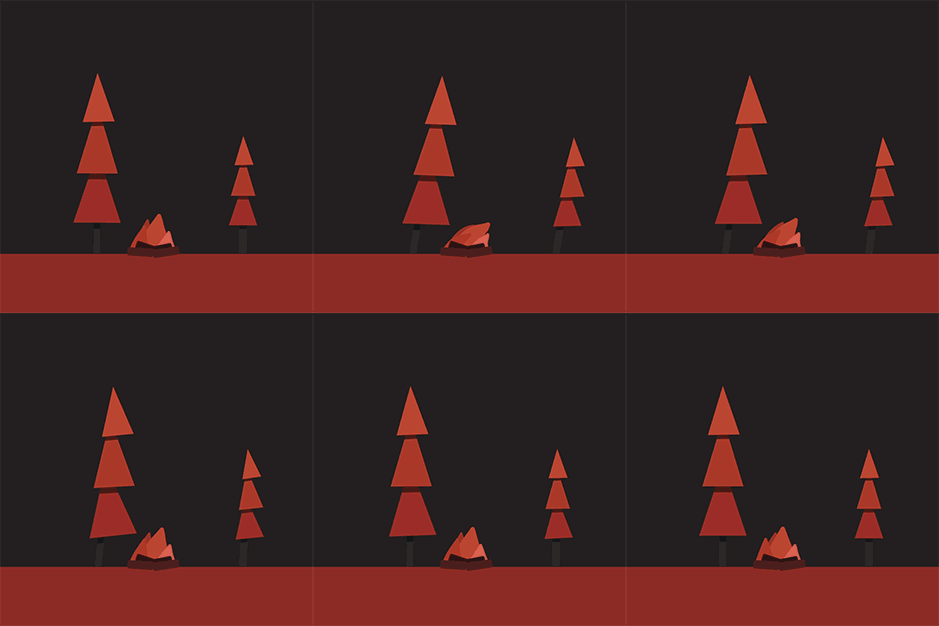
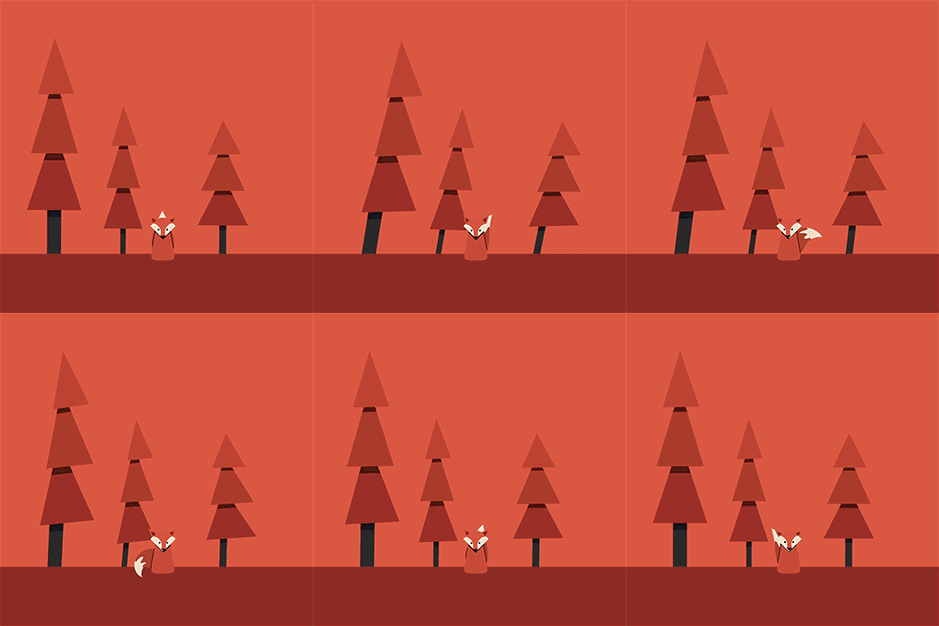
Character Swing Rigging allows you to quickly create natural swinging/rotational motion for any layer(s) or puppet pins. It’s simple fast and effective and gives you full customisability for each part of the swing/rotation. Try it out, it’s a lot more powerful than what you might think.
Then What The Hell is Wind?
Wind is a wind generation tool within the script, it creates natural wind like motion and is automatically added to all layer(s) or pin(s) that you select. Simply apply Character Swing Rigging and head over to the effects panel to have a look at what it can do.
Frustration No More!
Ever been frustrated when adding secondary animation to any part of a character. Simple ear movements making you fed up? Trying to add The Double Albert onto your character and fed up with the 2000 keyframes needed? Or maybe you want to add some natural hair movement or give a character fur, well now you can. Simply create your layer(s) click the create button and The ting goes Skrrrrrrrrrah Pap Pap Kak Kak Kak Skitty Skit Pap Pa And a Poopoodrrrrr BOOM
Character Swing Rigging gives you the power to fully customize every part of the swing rig. Head over to the effects panel of the driver_ and see what you can create

Anchor Points Just Got Easier!
Are you like me? fed up with having to constantly press Y to get the pan-behind tool? Having to drag anchor points around the screen all day just to get your rotations to line up? Well, guess what? NO MORE! Use the simple built-in anchor point tool to move anchor points around the screen to, layers, masks, and the comp.
Enable That Swing
Getting super quick and smooth swinging motion has never been this easy. Simply select your layers, change the anchor points, apply the effect, and boom! you're done. add your keyframes, enable the swing and watch it move



Features
- True natural movements from position keyframe data
- On and Off settings
- Ability to set your own target data layer
- Natural wind element, with controllable power & seed
- Weight, that changes how the wind moves the rig
- Parent the rig’s rotation to a different layers rotation
- Parent the rig to other layers
- Control over the rig’s children layers
- Further control over individual pieces of the rig
- Ability to control the wind element over any rig
- Works with layers and pins
- Ability to set anchor points to the comp, shape, and mask
- A bin that actually works
Notes
Character Swing Rigging does not currently work with 3D puppet pins
Trial Restrictions
Trial mode limits the maximum allowed layer(s) and puppet pin(s) to 2. It also limits the use of the anchor point tool to only work with corners of the shape and comp.
User Guide
| After Effects | 2020, CC 2019, CC 2018, CC 2017, CC 2015.3, CC 2015, CC 2014, CC, CS6 |
|---|
1.5.7 (Current version) - Aug 23, 2020
1.5.6 - Jan 9, 2020
Also added a guide in the help menu to help with a common error
1.5.5 - Nov 1, 2019
1.5.3 - Oct 17, 2018
A few speed improvements to make it that much faster!
1.5.2 - Oct 9, 2018
1.5.1 - Sep 26, 2018
1.5 - Sep 25, 2018
Minor bug fixes!
Added more guide information
Now adding even greater precision
Now adding support for full X and Y axis swinging!
Now adding support for rotational data as well as positional data!
Now much faster!
Read below for more details!
Swing - General Settings - update:
1: Enable Swing slider instead of a checkbox now allowing you to control precisely if the swing is on or off and how much by
2: Reverse slider instead of a checkbox now allowing you to control precisely if the swing is in reverse or not
3: A new data group has been added allowing you to switch between Positional Data and Rotational Data from any layer
Wind - Global Generator - update:
1: A new reverse slider has been added to the wind settings allowing you to reverse the wind by a percentage value
Swing - Global Settings - update:
1: The Swing Settings has 2 new variables “X Axis Impact” and “Y Axis Impact” Allowing you to precisely control how much the swing is effects by the X and the Y movement of a layer
Swing - Global Child Settings - update:
1: The Swing Settings has 2 new variables “X Axis Impact” and “Y Axis Impact” Allowing you to precisely control how much the swing is effects by the X and the Y movement of a layer
2: A Swing Amount slider has been added to get greater control over the amount of swing that is applied to the children
3: A Reverse slider instead of a checkbox now allowing you to control precisely if the swing is in reverse or not
Swing - Child Settings - update:
1: The Swing Settings has 2 new variables “X Axis Impact” and “Y Axis Impact” Allowing you to precisely control how much the swing is effects by the X and the Y movement of a layer
2: A Swing Amount slider has been added to get greater control over the amount of swing that is applied to the children
3: A Reverse slider instead of a checkbox now allowing you to control precisely if the swing is in reverse or not
1.01 - Jul 26, 2018
Officially supporting
After Effects CC 2018
After Effects CC 2017
After Effects CC 2015.3
After Effects CC 2015
After Effects CC 2014
After Effects CC
After Effects CS6
1.0 - Jul 24, 2018
-
- Compatibility After Effects
skinAnchor
Style Up! Pimp your workspace while effortlessly adjusting your Anchor Points across your timeline, ensuring your animations are spot-on with minimal fuss.Add to Cart -
- Compatibility Premiere
Textyle Premiere
Add to CartAnimate text with an easy to use interface that includes many presets and styles in Premiere Pro
-
-
-
- Compatibility After Effects
EditMonkey
Add to CartThe most powerful and versatile Monkey we've ever made. Save hours or even days of work by batch animating and sequencing dozens of text, video or graphics instantly. The After Effects Killer Ape!
-
-
- Compatibility After Effects
Multi Parent Rigging
Add to CartModular based animation rigging & Parent rigging, with unlimited possibilities.
$29.99 -
- Compatibility After Effects
RIGOMATOR
Add to CartBuild, Save, and Share custom animation templates extracted from your characters to be used with any character regardless of size or dimensions. Open the door to the future because this is it
$39.99 -
- Compatibility After Effects
Wave-o-Matic
Add to CartCreate quick, and easy advance wave based motion on any layer in 2D or 3D. For, anything that needs to move.
$24.99