
UniPort
-
Compatibility Photoshop Please check exact version compatibility under the "COMPATIBILITY" tab below
 Adding to cart...
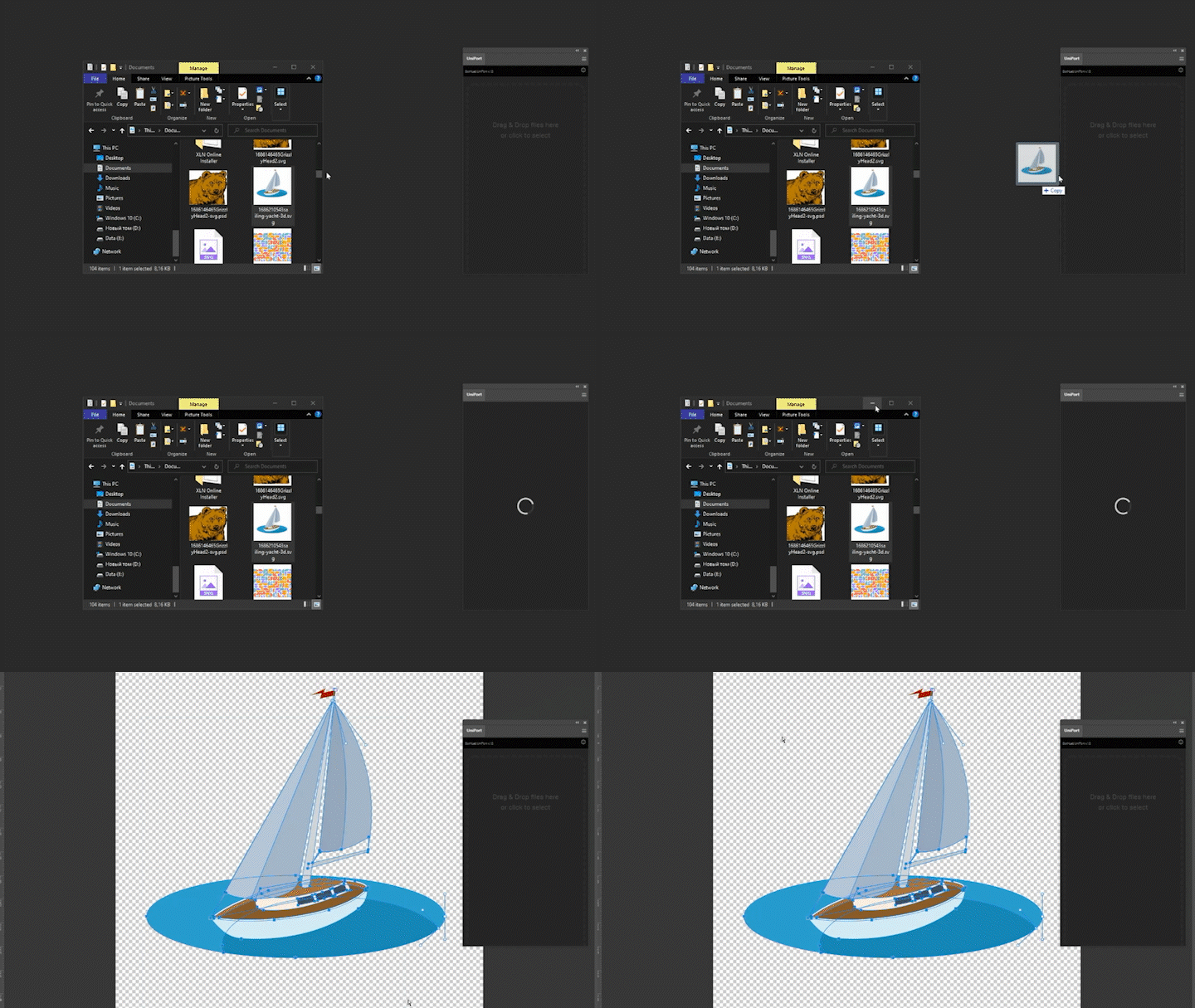
Photoshop Vector import: Simply Drag and Drop!
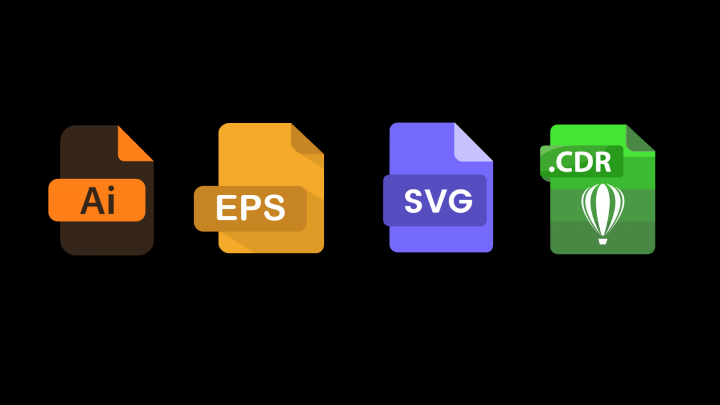
Adobe Illustrator (AI, EPS, SVG, PDF)
CorelDRAW (CDR),
Limitations:
Extension requires ability to write files and access to internet.
• Use only Shape graphics with closed paths.
• Extension doesn’t support mesh gradients, patterns, unexpanded fonts, complex vector effects.
Unexpanded = not converted to paths. To convert them in Illustrator, select text and go Object > Expand.
• No batch or multiple pages files support.
Setup:
• The easiest way to install is by using the aescripts + aeplugins manager
• You can also install using the zxp installer.
Usage:
• Go Window > Extensions > UniPort
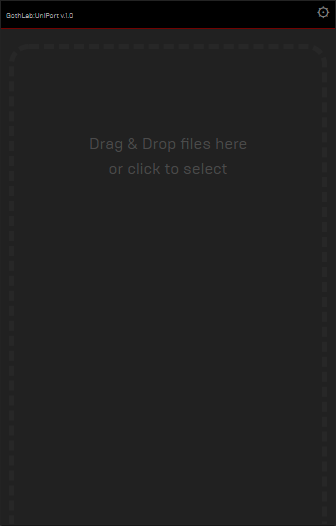
• Drag and drop your file inside or click on UniPort extension window.
• Your file will be imported or opened as PSD file.
Settings:
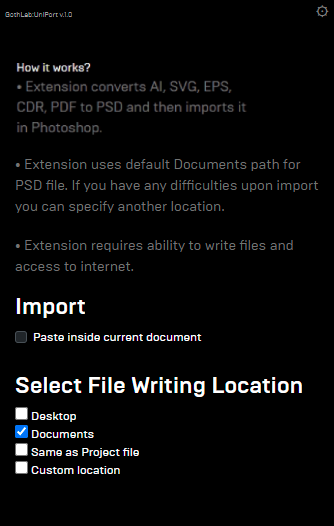
Place Embeded
Tick if you want to place your file inside opened project.
File location:
Select preferable path for pasted PSD files. Ensure that Custom Path uses forward slashes "/".
Version
Made using CEP8. Requires CC 2018+ version of Photoshop.
Apple Silicon Machines must run Photoshop under Rosetta Mode
| Photoshop | 2023, 2022, 2021, 2020, CC 2019, CC 2018 |
|---|
1.0 (Current version) - Mar 27, 2024
-
- Compatibility Photoshop
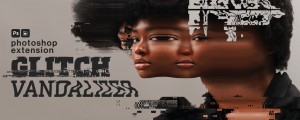
Glitch Vandalizer Photoshop Plugin
Add to CartGlitch Vandalizer Plugin gives you infinite possibilities for creating awesome compressed glitches, digital distortion and data mosh effects for your shots.
-

- Compatibility Photoshop
BBTools Shadow 2
Add to CartPlugin for Adobe Photoshop that adds lifelike shadows to objects in a standing position.
-

- Compatibility After Effects
Extrudalizer
Add to CartExtrudalizer allows you to extrude any 2D shape layer into virtual 3D space, control its depth, position, rotation, and scale. You can set up appearance, animation, and even manipulate the original 2D path with the Extrudalized shape repeating this manipulation. The script is 100% Lottie compatible for web use (bake expressions to keyframes for mobile app use) and can be exported using the Bodymovin plugin.
-
- Compatibility After Effects
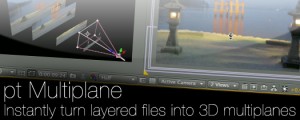
pt_Multiplane
Add to CartInstantly turn layered Photoshop or Illustrator files into 3D multiplanes. It adds expressions that let you freely move layers on the z axis without changing the look of the shot from the original camera position, making it easy to experiment with depth in your scene.
-

- Compatibility Photoshop
BBTools Tiler 4
Add to Cart25% Off until July 12. Plugin for Adobe Photoshop that makes tiles and seamless textures.
-
- Compatibility After Effects
MASKit
Convert custom vector shapes into masks with as little as 1 click!Add to Cart
-
- Compatibility After Effects
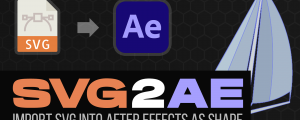
SVG2AE
Import SVG files directly into your After Effects comp as shape layersAdd to Cart$29.99 -
- Compatibility After Effects
- Compatibility Photoshop
imgPaster
Copy and paste clipboard images into After Effects & Photoshop.Add to Cart$29.99 -

-
- Compatibility After Effects
- Compatibility Photoshop
- Compatibility Illustrator
FontShaper
Add to CartUse fonts in Adobe apps without needing to install them.
$59.00