
Auto Motion Tracker For Objects
-
Compatibility Premiere Please check exact version compatibility under the "COMPATIBILITY" tab below
 Adding to cart...
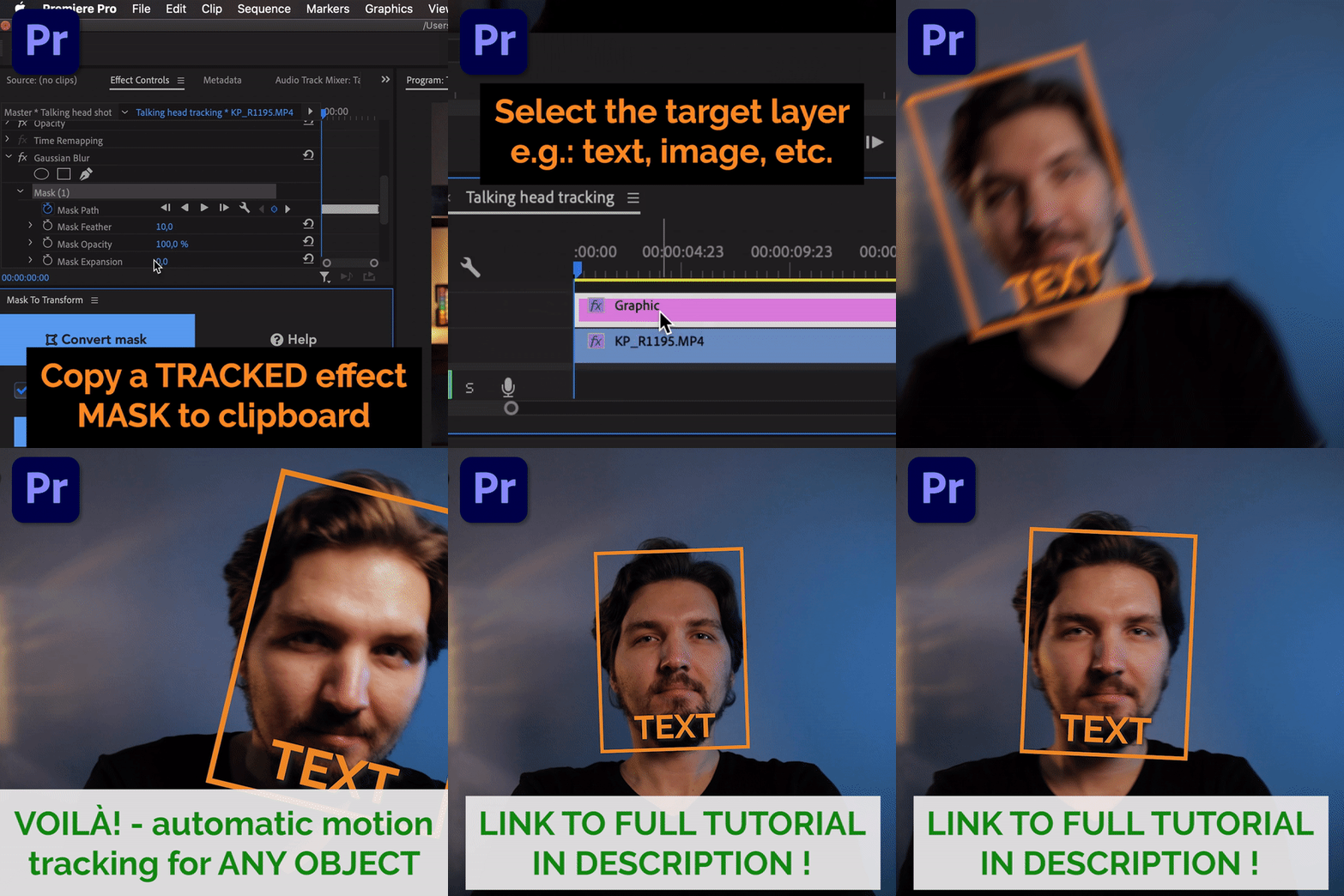
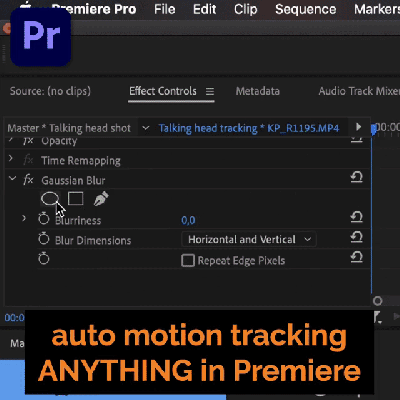
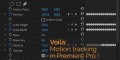
Automatic motion tracking of masks has been a feature built-into Adobe Premiere Pro for a long time, but it was never possible to stick to it something like a motion graphics layer, so that it will follow the movement of objects in the shot.
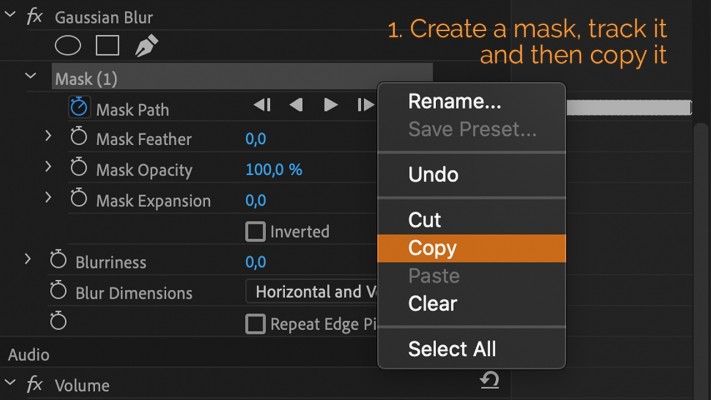
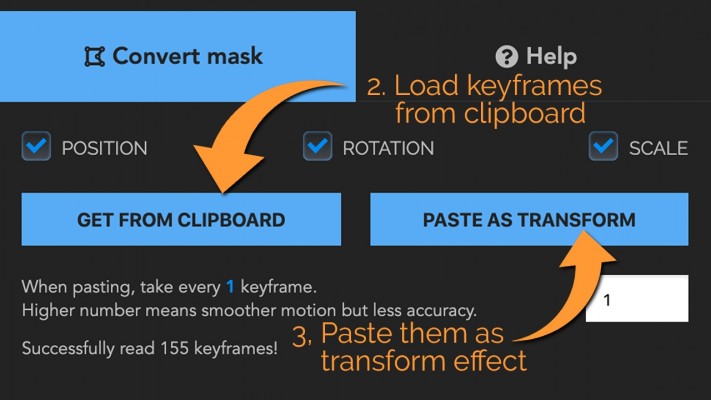
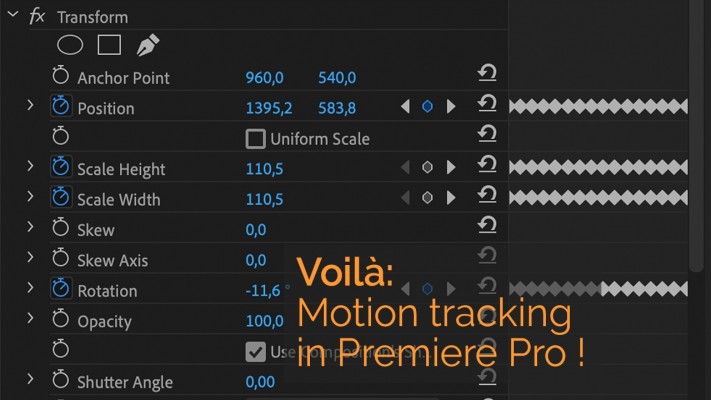
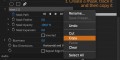
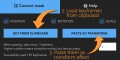
But with this extension you can convert the keyframes of ”Mask Path” into keyframes of position/scale/rotation in a ”Transform” effect!
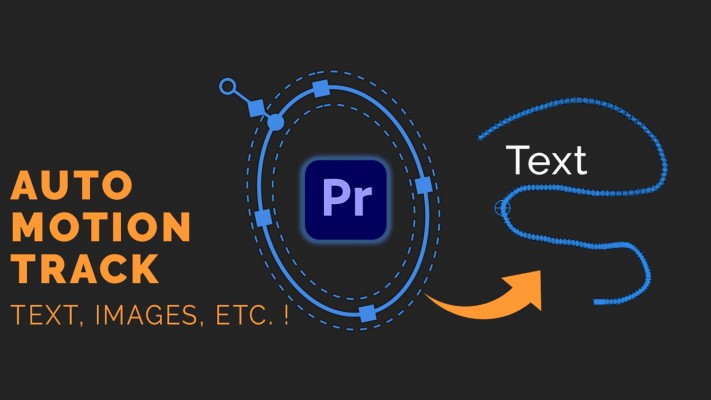
So now you can have automatic motion tracking something like a text, image or literally anything without the need to go into After Effects!
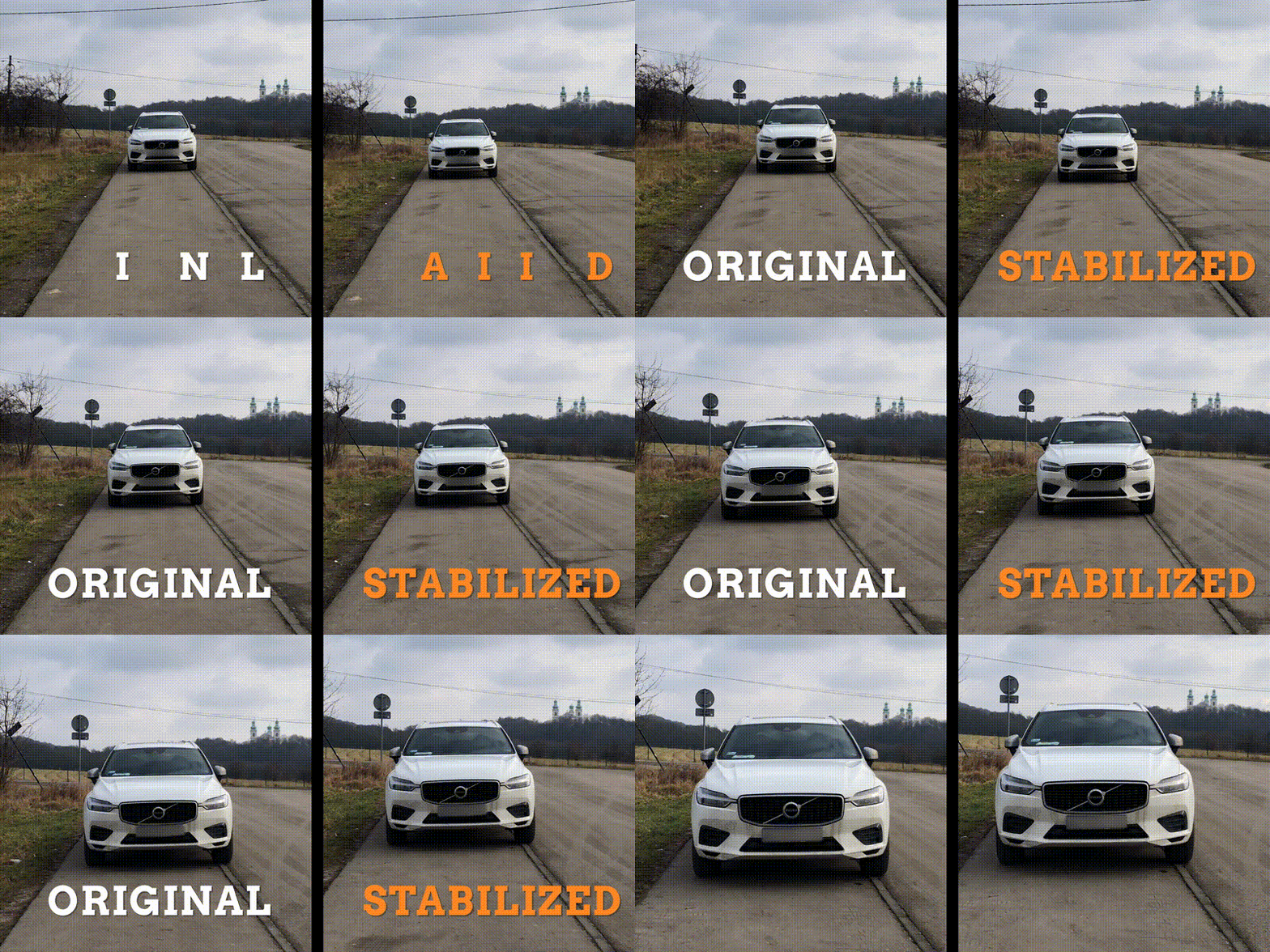
Since version 1.2.0 the keyframes can also be used to conveniently STABILIZE your footage around the subject.
The plugin can also be used to stabilize footage. Just apply the tracking data to the source clip itself, then add a second transform effect to it and rotate the clip by 180 degrees in that second transform. Then nest the clip, rotate it back 180 degrees and scale up if needed! Here's is the stabilization effect:


| Premiere | 2024, 2023, 2022, 2021, 2020 |
|---|
1.2.1 (Current version) - Jan 14, 2024
1.2.0 - May 16, 2023
1.1.9 - May 11, 2023
1.1.7 - May 8, 2023
1.1.6 - Mar 17, 2021
1.1.5 - Mar 5, 2021
1.1.4 - Feb 4, 2021
1.1.3 - Feb 4, 2021
1.1.1 - Feb 1, 2021
-

- Compatibility Premiere
Sequence Hub
Free TrialAdd to CartEasily navigate through Nested Sequences and keep your project organized!
-

- Compatibility After Effects
Quick Depth 2
Add to CartJune 2024 update: Now with Depth Anything 2, an even faster and higher quality depth model. Easily make an automatic depth map from your footage in After Effects in Mac and Windows.
-

- Compatibility Premiere
Markers Pro
Free TrialAdd to CartWork more efficiently with markers in Premiere Pro!
-

- Compatibility After Effects
- Compatibility Premiere
DeepClear
Add to CartAI powered video enhancement tool for Premiere Pro and After Effects. Enhances image details, reduces noise and improves contrast.
The performance is highly dependent on GPU, and some old GPU cards (before 2012) are not supported. Please TRY it before purchase.
-

- Compatibility Premiere
BeatEdit 2 for Premiere Pro
Add to CartCreate better edits in sync with the music! Create beat markers automatically to assist manual editing or even create automatic edits in sync with the music.
-

- Compatibility After Effects
voodoo
Add to CartAnimate pins easier. Period. Solution for the puppeteering woes of the digital age: The Seamless Puppet Tool puts the "fun" in function, as it effortlessly unlocks creative freedom with its refreshingly unpretentious pin tracking and conjuring controller abilities. Prepare to be enchanted!
-
- Compatibility Premiere
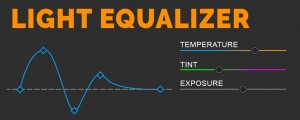
Light Equalizer for Premiere Pro
Add to CartAutomatically analyze a video clip and equalize changes in brightness and white balance by setting optimal Lumetri Effect keyframes of exposure, temperature and tint
$19.90 -
- Compatibility Premiere
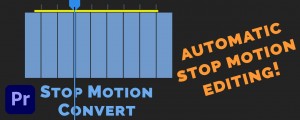
Stop Motion Convert
Add to CartStop Motion Convert extension for Adobe Premiere Pro lets you automatically convert a long recording into a complete and final stop motion animation video!
$14.90 -
- Compatibility After Effects
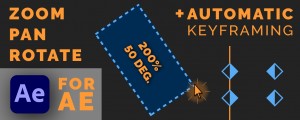
Drag Zoom Pro for Adobe After Effects
Add to CartEasily zoom into your footage by intuitively drawing a box around the portion of the frame. Also supports automatic keyframing.
$49.90 -
- Compatibility Premiere
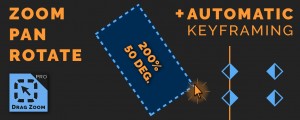
Drag Zoom Pro for Adobe Premiere Pro
Add to CartEasily zoom into your footage by intuitively drawing a box around the portion of the frame. Also supports automatic keyframing.
$49.90 -
- Compatibility Premiere
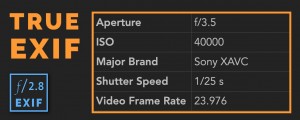
True Exif
Add to CartView and copy video and photo files acquisition metadata like shutter speed, aperture, ISO, white balance etc. right in Premiere Pro. Provides more metadata than Premiere's built-in metadata panel. Oh, and it's FREE!
$0.00